I learned networking with my hands. Cables, switch ports, a routing table I typed into a box I could physically point at. When I moved into the cloud, the disorienting part was not that the network disappeared. It was that everything was still there, just invisible, expressed as configuration instead of copper. The network did not go away. It moved behind an API. Getting comfortable in the cloud, for me, was mostly about learning which physical thing each abstraction was standing in for.
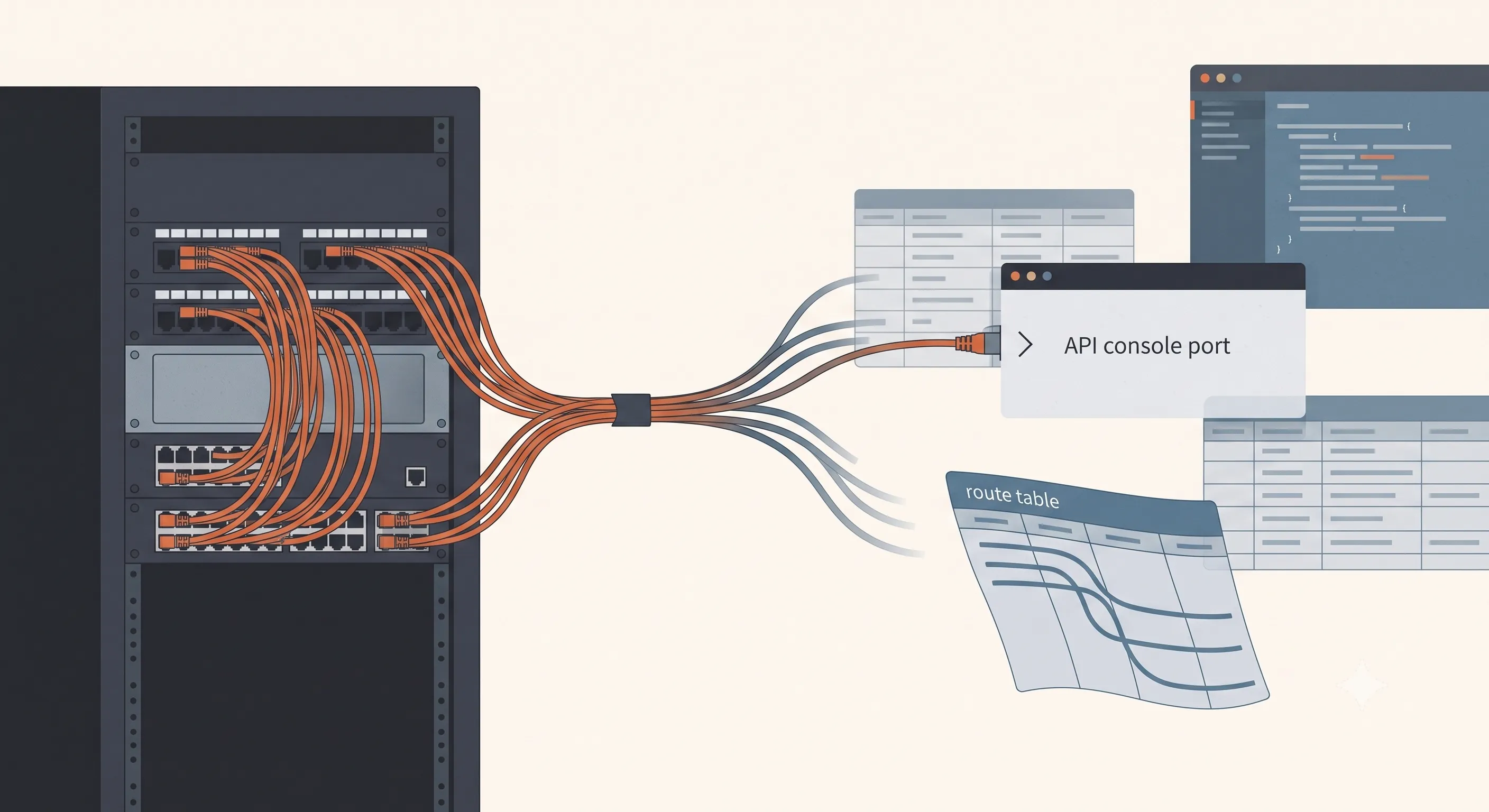
Table of contents
Open Table of contents
The short version
- A VPC is software-defined networking running over a shared physical fabric you never see or touch. You declare intent, the provider makes it real.
- Almost every cloud network primitive is a one-to-one stand-in for something physical: a subnet is a VLAN, a route table is a router’s routing table, a security group is a firewall rule.
- The single biggest source of confusion is security groups versus network ACLs. One is stateful and lives at the instance, the other is stateless and lives at the subnet.
- The failure modes change. You cannot trace a cable. You read route tables and rule sets, and you plan your address space before you need it, not after.
- The old discipline still applies. The cloud hands you the tools to segment by default, but it will just as happily let you build one big flat network with an API instead of a switch.
A VPC is a network you describe, not one you wire
Strip away the marketing and a Virtual Private Cloud is a simple promise. You get an address space, and inside it the provider will behave as if you have your own private network, isolated from everyone else, running on hardware you share with thousands of strangers you will never know about.
That last part is the whole trick. There is one enormous shared physical network, and a control plane that makes it look like you have a dedicated one. When you create a subnet, no cable gets crimped. A row gets written somewhere, and the fabric starts enforcing a rule it did not enforce a second ago. When you add a route, no router reboots. The same fabric just starts making a different decision about your packets.
Once that clicks, the cloud network stops feeling like magic and starts feeling like the same job you always did, with the wiring replaced by declarations.
The map from physical to cloud
The fastest way I found to get fluent was to stop learning “cloud networking” as a new subject and start reading each primitive as a translation of something I already knew.
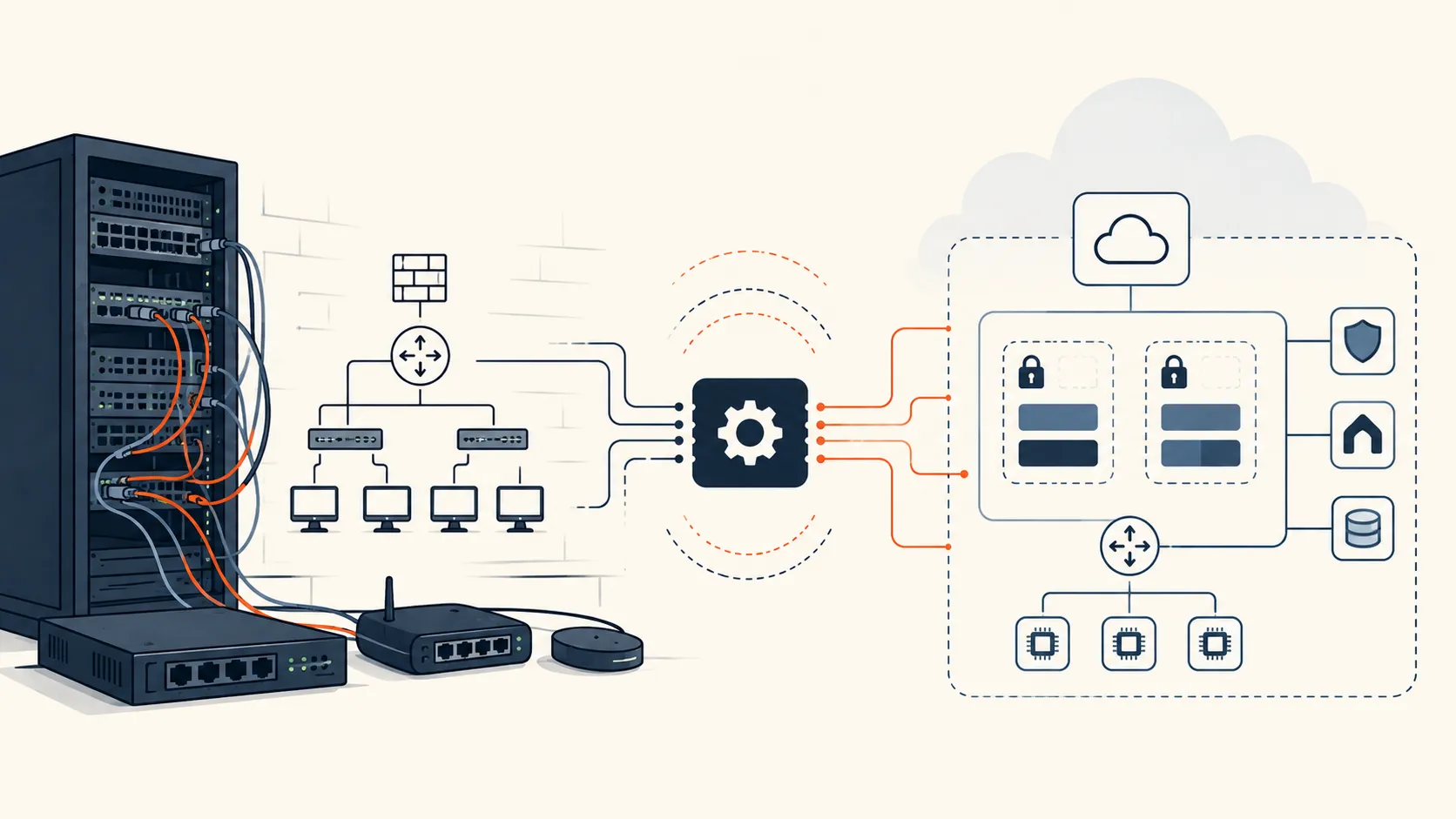
These are mental models, not exact equivalences. A subnet is not literally a broadcast domain in a public cloud, where the network is virtualized and does not behave like a traditional LAN. But reading it as one is the closest mental model, and it gets you thinking about the right things: address scope, placement, and routing.
| I used to have | In the cloud it is | What it does |
|---|---|---|
| A VLAN / broadcast domain | A subnet | A slice of the address space, usually pinned to one availability zone |
| A router’s routing table | A route table | Per-subnet rules for where a destination prefix goes |
| The uplink to the internet | An internet gateway | The door that makes a subnet public |
| Outbound-only internet | A NAT gateway | Private things reach out, nothing reaches back |
| A fixed public IP | An elastic IP | A stable address you own and can move |
| A network card | An elastic network interface | The thing an IP and a security group actually attach to |
| A firewall ruleset | A security group or NACL | Who may talk to whom |
| A leased line to another site | Peering, a transit gateway, a VPN | Joining two networks that were separate |
None of these are new ideas. A public subnet is just a broadcast domain whose route table happens to have a default route pointing at an internet gateway. Make that same subnet’s default route point at a NAT gateway instead, and you have built the classic “private servers that can pull updates but cannot be reached from outside,” except you did it with two lines of config instead of a firewall change ticket.
# a public subnet's route table
10.0.0.0/16   local          # the local route: every table has it, you cannot remove it, keeps VPC traffic internal
0.0.0.0/0     igw-xxxx        # everything else goes out the internet gateway

# a private subnet's route table, same VPC
10.0.0.0/16   local          # same local route, present automatically
0.0.0.0/0     nat-xxxx        # outbound only, through NAT
The routing decision I used to make on a box is now the route table itself. That is the abstraction in one image: the config is the router.
The one that trips everyone: security groups versus NACLs
If there is a single concept worth getting right on day one, it is this pair, because they look like the same thing and behave differently in a way that will cost you an afternoon.
A security group is stateful and attaches to an interface, so effectively to an instance. Stateful means it remembers connections. If you allow an outbound request, the response is allowed back automatically. You never write a rule for the return traffic. You also only write allow rules. Anything you did not permit is denied.
A network ACL is stateless and attaches to a subnet. Stateless means it has no memory. If you allow traffic out, you must also explicitly allow the response back in, because to the NACL the return packet is just another packet it has never seen. NACLs also have explicit deny rules, evaluated in order.
| Security group | Network ACL | |
|---|---|---|
| State | Stateful | Stateless |
| Attaches to | An interface, so an instance | A subnet |
| Rules | Allow only | Allow and deny, evaluated in order |
| Return traffic | Automatic | You must allow it yourself |
| Reach for it when | Fine-grained, per-application rules | A coarse, subnet-wide deny |
Ninety percent of the time you want security groups, and you reach for a NACL only when you need a coarse, subnet-wide deny that does not care about state, like blocking a bad CIDR at the edge of a subnet. The reason people lose hours here is that they add a security group rule, forget that the response is automatic, and then start “fixing” a NACL that was never the problem. Know which layer you are actually editing.
The failure modes are different, and that is the real lesson
Here is what nobody tells you when you move from physical to cloud networking. The concepts translate cleanly, but the way things break does not.
When a cable was the problem, I could find the cable. In the cloud there is no cable to find. When something cannot talk to something else, the debugging is archaeological in a different way: you read the route table, you read both security groups, you check the NACL, you confirm the subnet is where you think it is, you verify the two CIDRs do not overlap. The network is perfectly observable, but only if you know which four places to look, and it will never show you a blinking light.
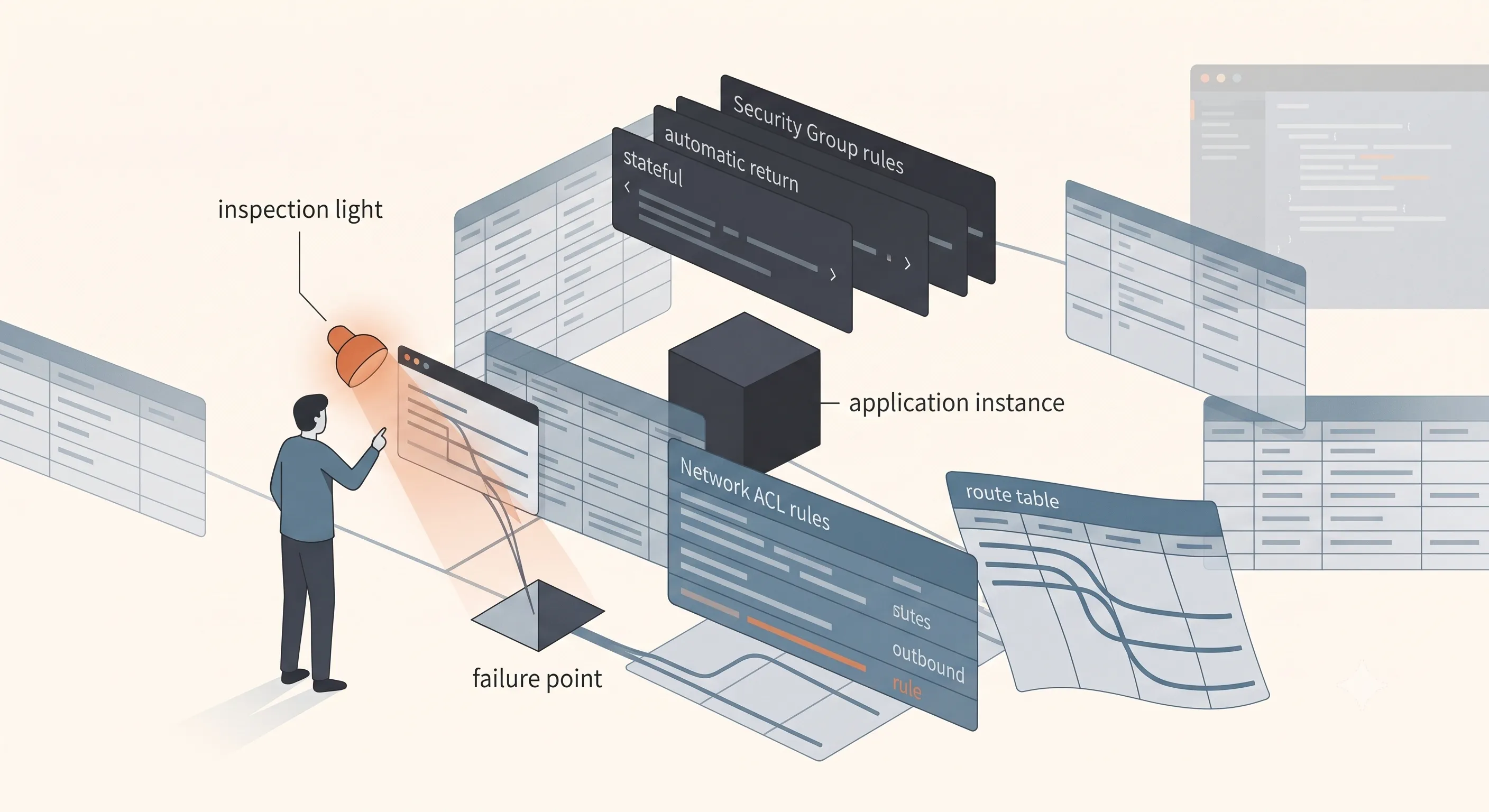
Two habits matter more in the cloud than they ever did on hardware:
- Plan your address space before you need it. CIDRs that overlap are fine right up until the day you try to peer two networks together, at which point they can never route to each other and there is no clean fix. The cost of picking non-overlapping ranges up front is zero. The cost of discovering the overlap after both networks are in production is a migration.
- Read reachability, not “it works.” A thing working today can be reachable entirely by accident, because a subnet is more open than you meant or a security group is wider than it should be. Just like a flat physical network, “the packets arrive” is not the same measurement as “only the right packets can arrive.”
Final takeaway
The cloud did not abstract the network away. It abstracted the wiring away and left every decision you used to make sitting right there in config, where a route table is a router, a security group is a firewall, and a subnet is a VLAN you spun up with an API call. That is genuinely liberating. You can build in minutes what used to take a purchase order and a trip to the rack.
But the API cuts both ways. It makes good design faster, and it makes bad design faster too. In a physical network the mess eventually shows itself: cables nobody labeled, a rack that stopped matching the diagram, a switch you are afraid to touch. In the cloud the mess can stay invisible for months, hidden inside a permissive security group, a shared route table, a CIDR nobody planned to ever connect to anything, right up until the day you try to connect it.
The tools changed. The judgment did not. If you knew how to design a network with your hands, you already know how to design one in the cloud. You just have to remember that nothing is going to blink at you when you get it wrong.